 Arche
Arche 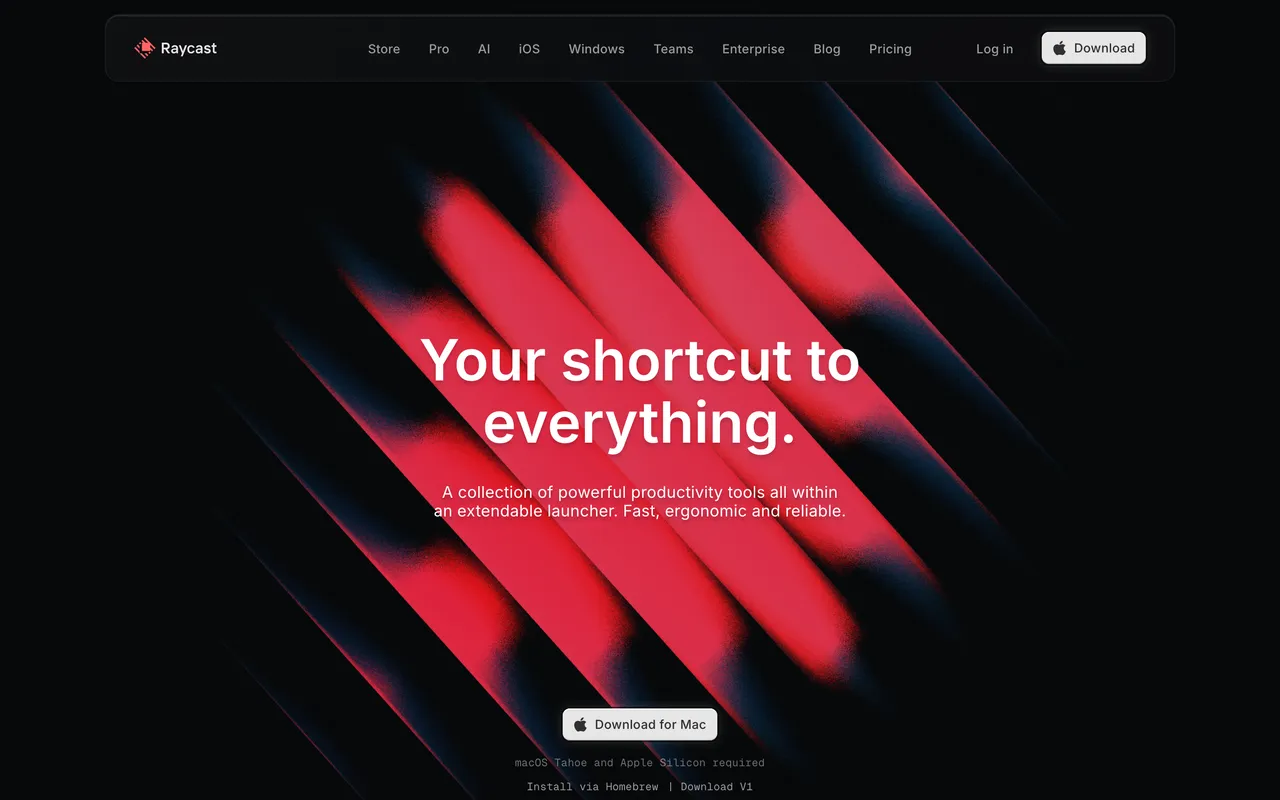
Website design references for AI. How to give Claude, Cursor or Lovable a real website to follow, so the page it builds looks designed instead of generated.

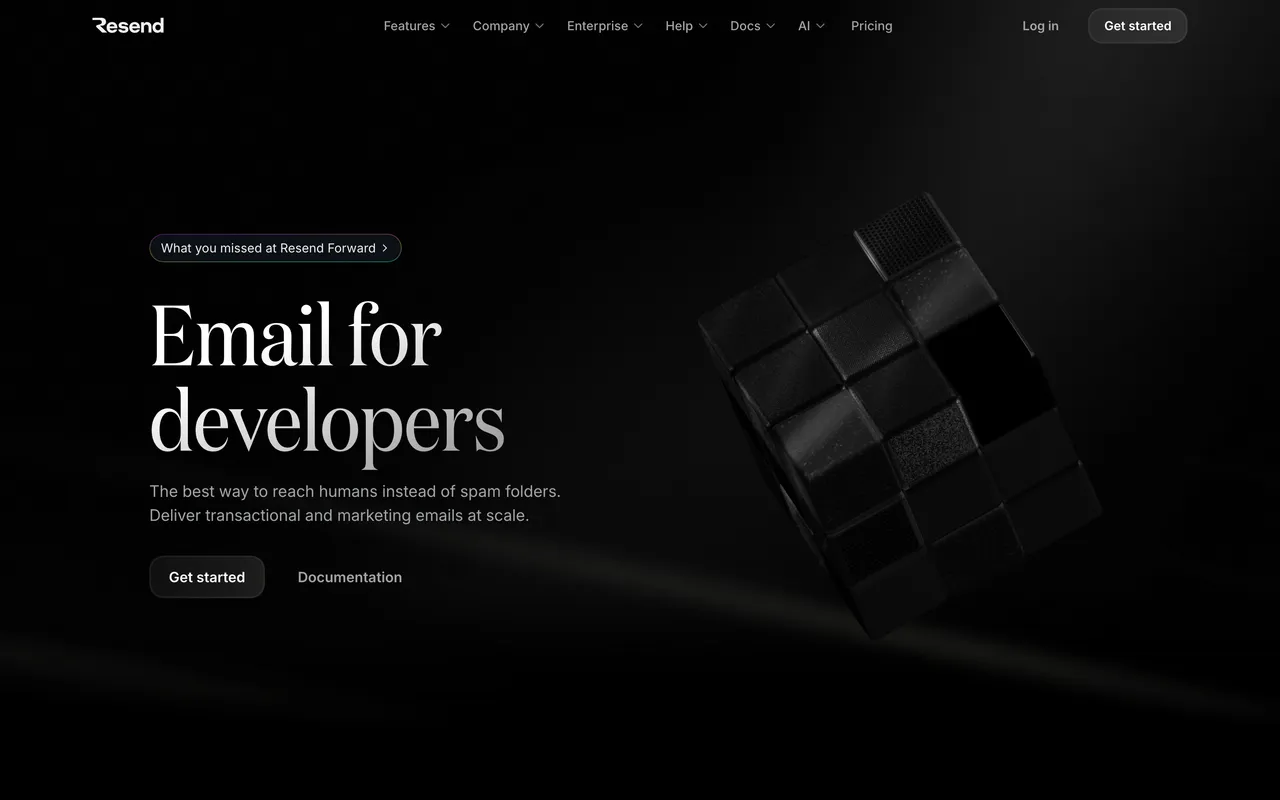

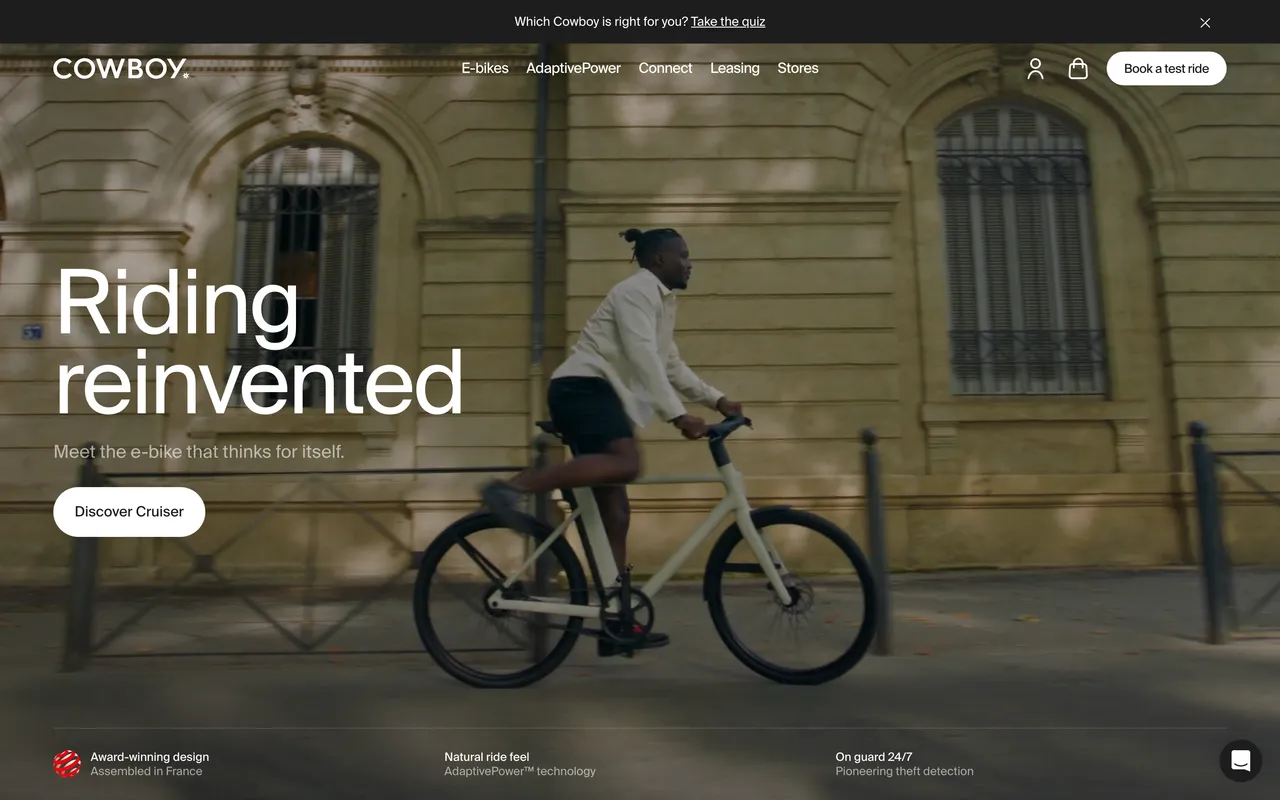

Why AI-built pages look alike
Ask an assistant for a landing page with no reference and it falls back on the average of the web: a centred bold headline, a purple gradient, three feature cards, an emoji badge. The model isn’t short of taste; it is short of a decision. A real, well-made site gives it one: a type scale, a spacing rhythm, a colour temperature, a pace. The fix is the oldest trick in design: start from a reference.
The method, in five steps
- Write the brief in two lines. What it is, and how it should feel: calm, technical, warm, loud, editorial.
- Start from one main reference. One site for layout and pacing, at most one more for type, then your own brand on top. Five references at once average back into the template.
- Say what to take, what to change and what to leave. Take what makes it work: the type scale, spacing, density, colour temperature, how much moves. Change what makes it yours: colour, imagery, voice. Leave the text, logo, images and exact layout.
- Give it the reference as words and as a picture. A screenshot shows the feel; a written brief gives the numbers a model can follow: typefaces, colours, theme, stack.
- Review the craft, not the likeness. One section at a time: is the type scale clear, the spacing even, the contrast strong, the motion calm? The reference shows what good looks like; the page should still look like yours.
What a reference looks like to an agent
Every landing page and studio site on Arche has its brief as plain text, at its address plus .md. Here is Raycast, as an agent reads it at /sites/raycast.md:
# Raycast: design reference

> Glossy hardware-like hero, keyboard-first narrative and a store that reads like a product catalogue. A landing page from Arche Directory, a hand-picked reference library of carefully made websites.

- Website: https://www.raycast.com
- On Arche: https://arche.directory/sites/raycast
- First screen: https://media.arche.directory/shots/raycast.webp?v=5651ee1e09
- Full page: https://media.arche.directory/shots/raycast-full.webp?v=685fdda09c

## Design notes

Raycast is a dark, colourful productivity landing page. Typefaces detected: Inter. Headings and text share a sans-serif voice. The first screen is a dark page built around near-black (#080A0C), with saturated colour. It is built with Next.js and uses WebGL graphics. It opens with the line “Your shortcut to everything”.

## Facts

- Category: Landing page
- Industry: Productivity, Developer tools
- Style: Dark, Colourful
- Built with: Next.js
- Technique: WebGL
- Typefaces: Inter
- Dominant colour: #080A0C (dark page)
- Opening line: “Your shortcut to everything.”

## How to use it

Use Raycast as a starting point, not a template. Learn from what makes it work (its type scale, spacing, density, colour temperature and how much moves), mix in other references and your own brand and ideas, and build something recognisably yours with your own name, copy and images. Do not copy its text, logo, images or exact layout; the site belongs to its owners.

## Similar references

- [Linear](https://arche.directory/sites/linear.md)
- [Hermes Agent](https://arche.directory/sites/hermes-agent.md)
- [Neon Serverless Postgres](https://arche.directory/sites/neon.md)

## More

- Arche MCP (https://arche.directory/mcp) gives an agent this site measured on the live page: its design system as CSS variables or Tailwind, its animations as CSS / GSAP / Motion code, and its sections. $7/month, free during early access.
- How to give an AI a website reference: https://arche.directory/guides/website-references-for-ai
Prompts that work
Replace the brackets. Swap Raycast for any site from the archive: open its page and add .md to the address.
I'm building a landing page for [what it is, in one line]. It should feel [calm / technical / warm / loud].

Use this site as the design reference: Raycast, https://arche.directory/sites/raycast.md
(I've attached its screenshot.)

Use it as a starting point, not a template: take what makes it work (type scale and weights,
spacing and density, colour temperature, how much moves) and make the page clearly mine,
with my brand and the content below. Don't copy its text, logo, images or layout.

First tell me in five bullets what you'll take from it and what you'll do differently. Then build the page.

[your copy]
Save https://arche.directory/sites/raycast.md as design.md in the project root and read it: it is the design reference for this project.
Build the hero in [file] in its spirit, with our brand and our own copy from [file].
Take its type scale, spacing rhythm and pacing as a starting point; don't copy its text, logo, images or layout.
When you're done, screenshot the page and review its craft: type scale, spacing, contrast, colour count, motion.
Improve what's weak and keep what makes it ours.
[attach the reference screenshot]

Design direction for this project, from a real site (Raycast):
[paste the Design notes and Facts from https://arche.directory/sites/raycast.md]

Build only the first screen first: headline, one line under it, one button, the main image.
Take its type, spacing and colour as a starting point and make it ours: my product, name, copy and brand colour, never the reference's.
Keep it in a design.md
In a code project, save the reference as design.md at the root (the coding-agent prompt above asks the agent to do it). Claude Code, Cursor and Codex read it at the start of a task, so the second page follows the same direction as the first. Add your own decisions under it as you make them: the accent colour you chose, the radius, what never moves.
Where to start
Pick the collection closest to your project, open a few sites, and choose the one whose first screen you’d be happy to have made.
- AI landing page examples
- SaaS & productivity landing pages
- Developer tool landing pages
- Fintech landing page examples
- Hardware & product landing pages
- Dark landing page design
- Minimal, monochrome landing pages
- Landing pages with serif typography
- Branding agency websites
- Web design agency websites
- Hero section examples
- Feature section examples
- Logo cloud examples
- Testimonial section examples
- Call to action section examples
- Website footer examples
For browsing by eye, see the other web design inspiration sites and what each is good for.
Let the agent look it up
Arche MCP connects Claude, ChatGPT, Cursor or Codex to the archive, so the agent finds references itself and gets each site measured on the live page: its design system as CSS variables or Tailwind, its animations as CSS, GSAP or Motion code, and its sections. $7 a month, free during early access. For Claude Code there is also a skill that makes it look at references before it designs anything:
mkdir -p ~/.claude/skills/arche-references && curl -fsSL https://arche.directory/SKILL.md -o ~/.claude/skills/arche-references/SKILL.md
Questions
How do I make Claude design better websites?
Give it a real, well-made website to start from before it begins: a screenshot plus a short description of the type, spacing, colours and motion. Tell it what to take from the reference, what to make its own and what not to copy, ask it to build one section first, then have it review the craft and improve what is weak.
What is a design.md file?
A plain-text file in your project that describes the look you want: typefaces, type scale, colours, spacing, how things move, and the reference sites behind them. Coding agents such as Claude Code and Cursor read it at the start of a task, so every page they build follows the same direction. On Arche, every landing page and studio site has one ready at /sites/<name>.md.
Can I give Lovable, v0 or Bolt a website as a reference?
Yes. Attach a screenshot of the reference and paste a short description of its design: typefaces, colours, spacing, theme. Ask for the first screen only, check it against the screenshot, then continue section by section.
Is it OK to use another website as a reference?
Studying a site and building in its spirit is how designers have always worked. Copying its text, logo, images or exact layout is not: those belong to its owners. Use it as a starting point, bring your own content and ideas, and make the result yours.
Why do AI-generated websites all look the same?
Without a reference, a model falls back on the average of everything it has seen: a centred bold headline on a purple gradient, a row of three feature cards, an emoji badge. One concrete reference replaces that average with a specific, well-made decision.
Where can I find good website references for AI?
Arche Directory collects hand-picked landing pages, portfolios and studio sites, each with its typefaces, colours, stack and a design brief an agent can read. Other galleries such as Godly, Land-book and SaaSpo are good for browsing by eye.